
AND · OR · XOR
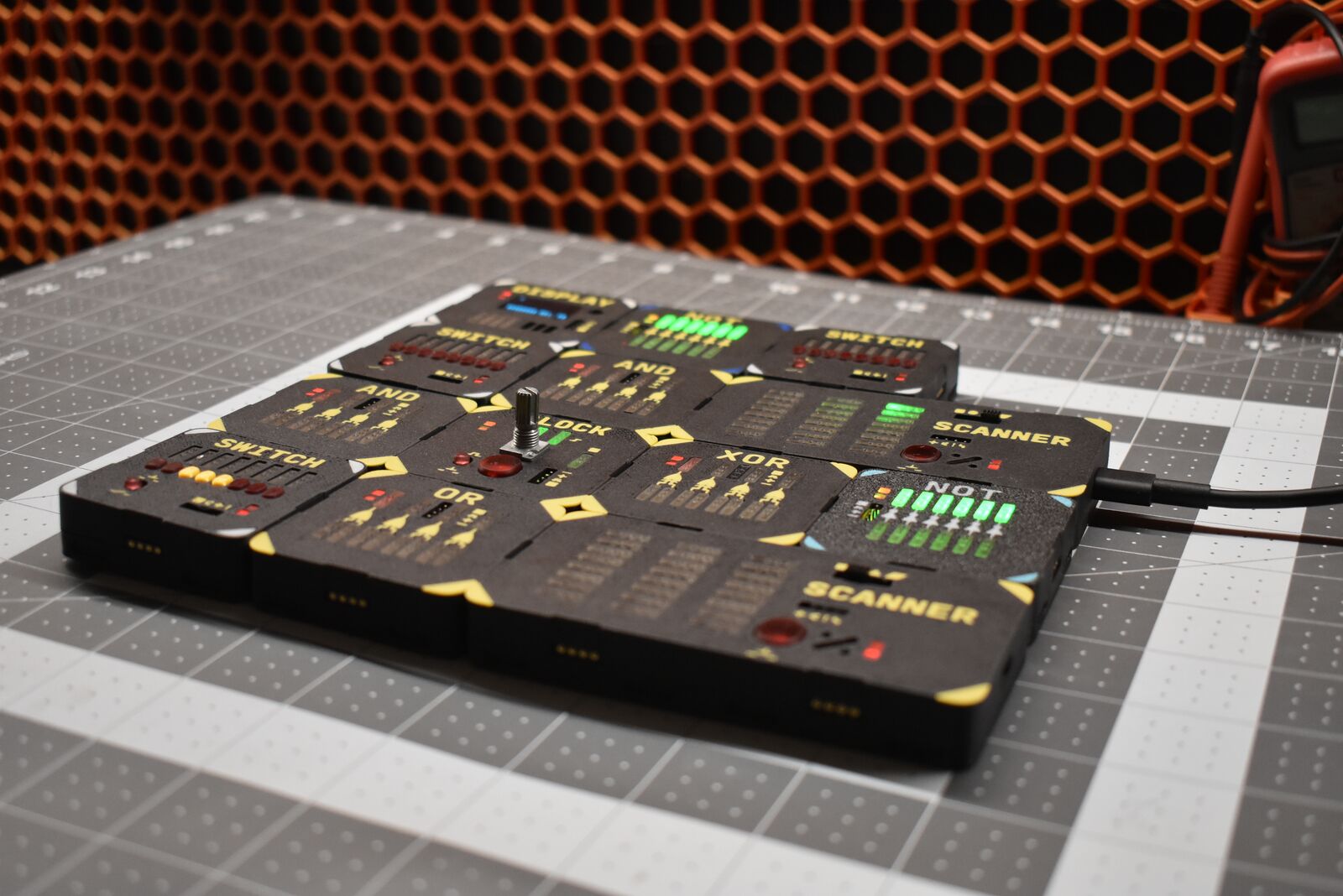
Four logic gates per block. Every input and output has an LED, so you can follow a signal through your circuit by eye.
Coming soon to Kickstarter
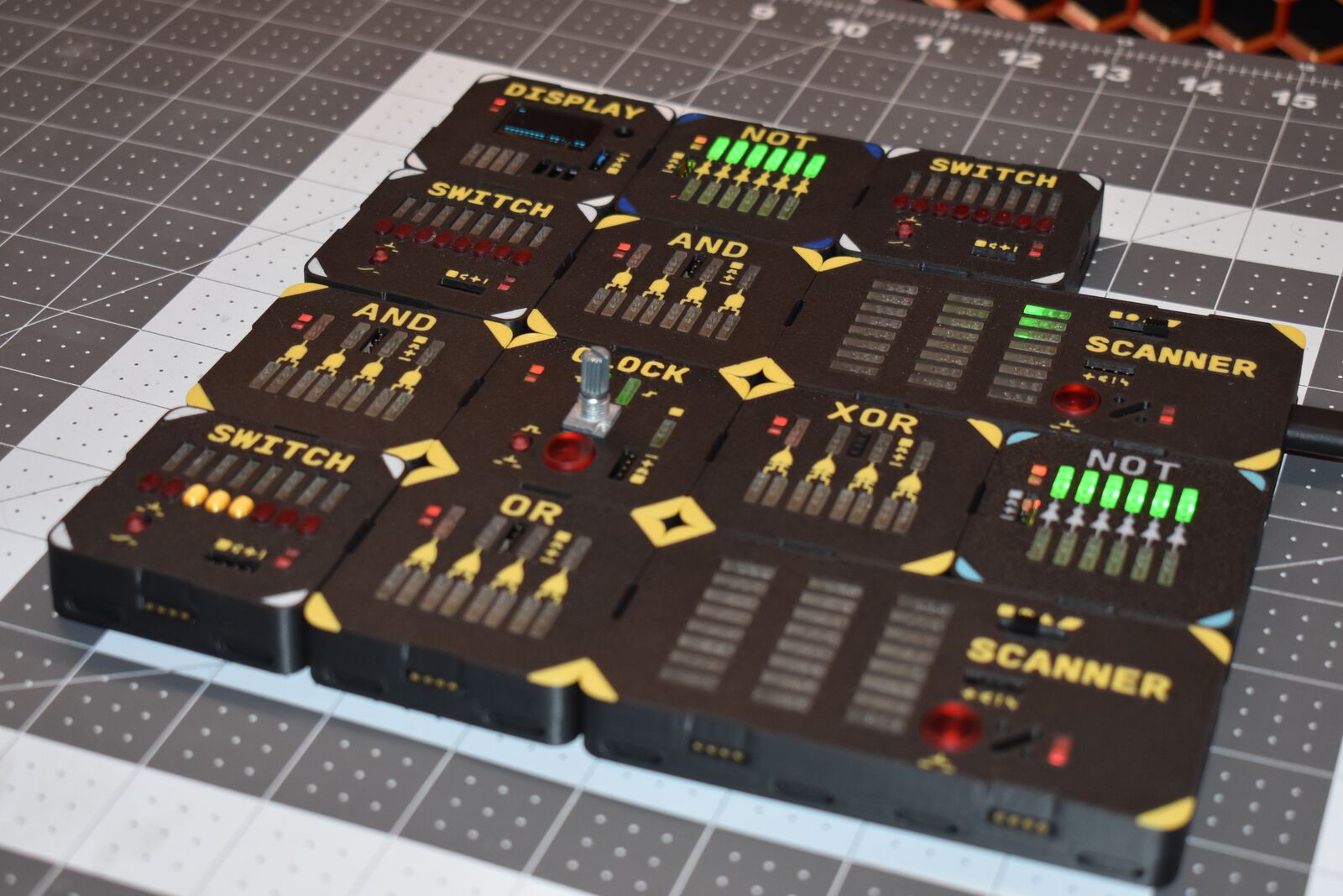
LogicLinks is a set of snap-together electronic blocks for building real logic circuits with your hands. Wire up AND, OR, XOR and NOT gates, flip switches, and watch every signal light up as it moves through what you built.
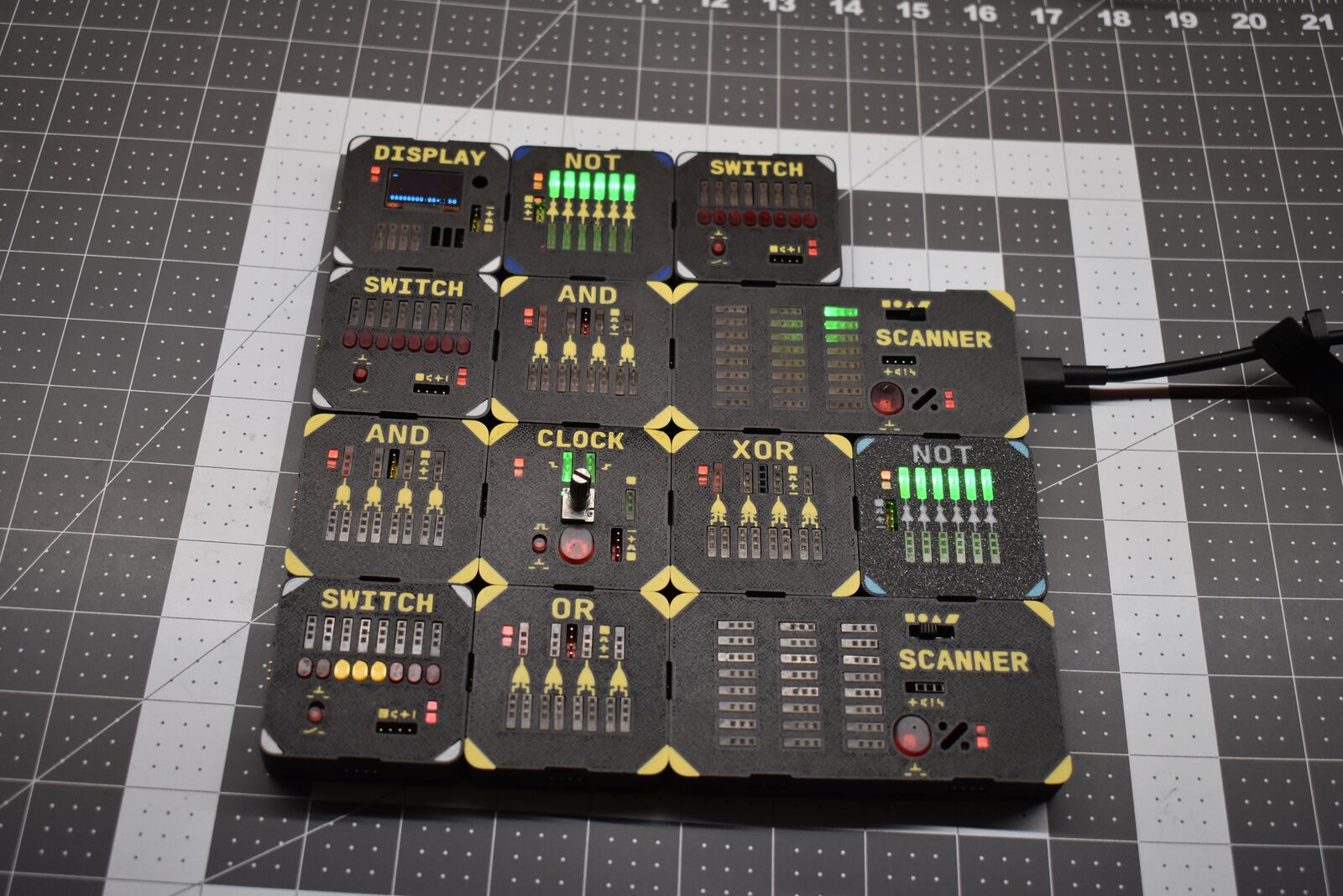
Every computer is built from tiny switches called logic gates. LogicLinks turns those gates into blocks you can pick up, snap together and wire by hand. Each block is a real working circuit with its own lights, so you can see every one and zero instead of imagining them.
Four logic gates per block. Every input and output has an LED, so you can follow a signal through your circuit by eye.
Six inverters in one block. Flip a one to a zero and back.
Eight toggles for feeding ones and zeros into your circuit.
A steady tick with a speed knob. Slow it down to watch each step, or speed it up to let it run.
A small screen your circuit can write letters and pictures to, one bit at a time over four wires.
The brain. It reads the circuit you built, remembers it, and can run it by itself as a single new block.
Build it, watch it run, then turn it into a new block.
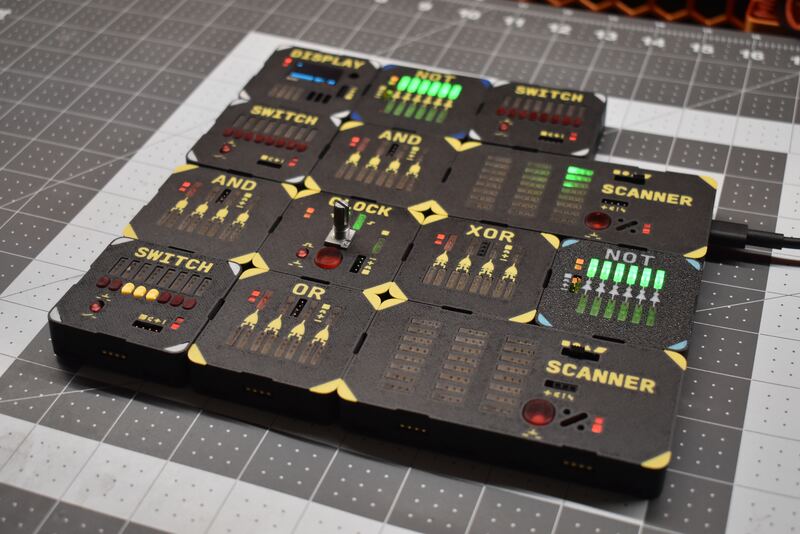
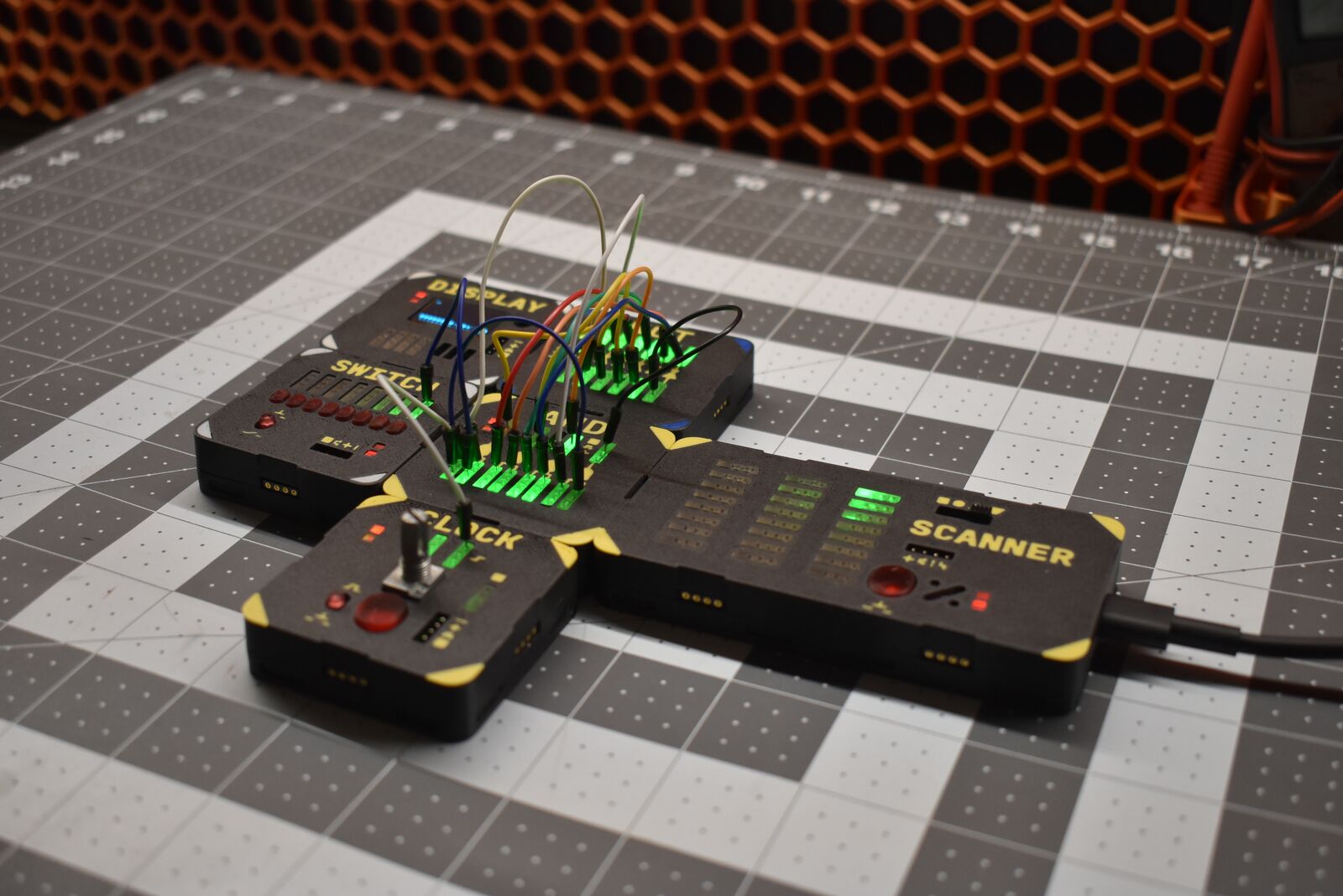
Blocks join edge to edge. Put down the gates, switches and lights you need.
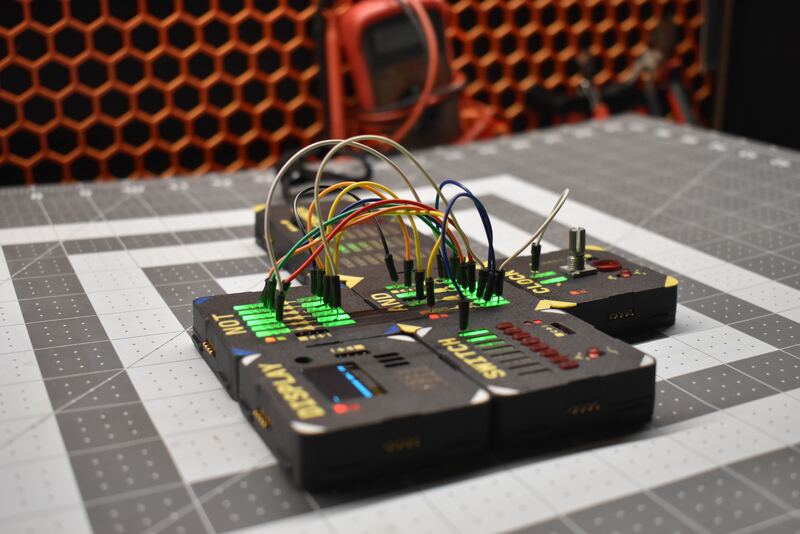
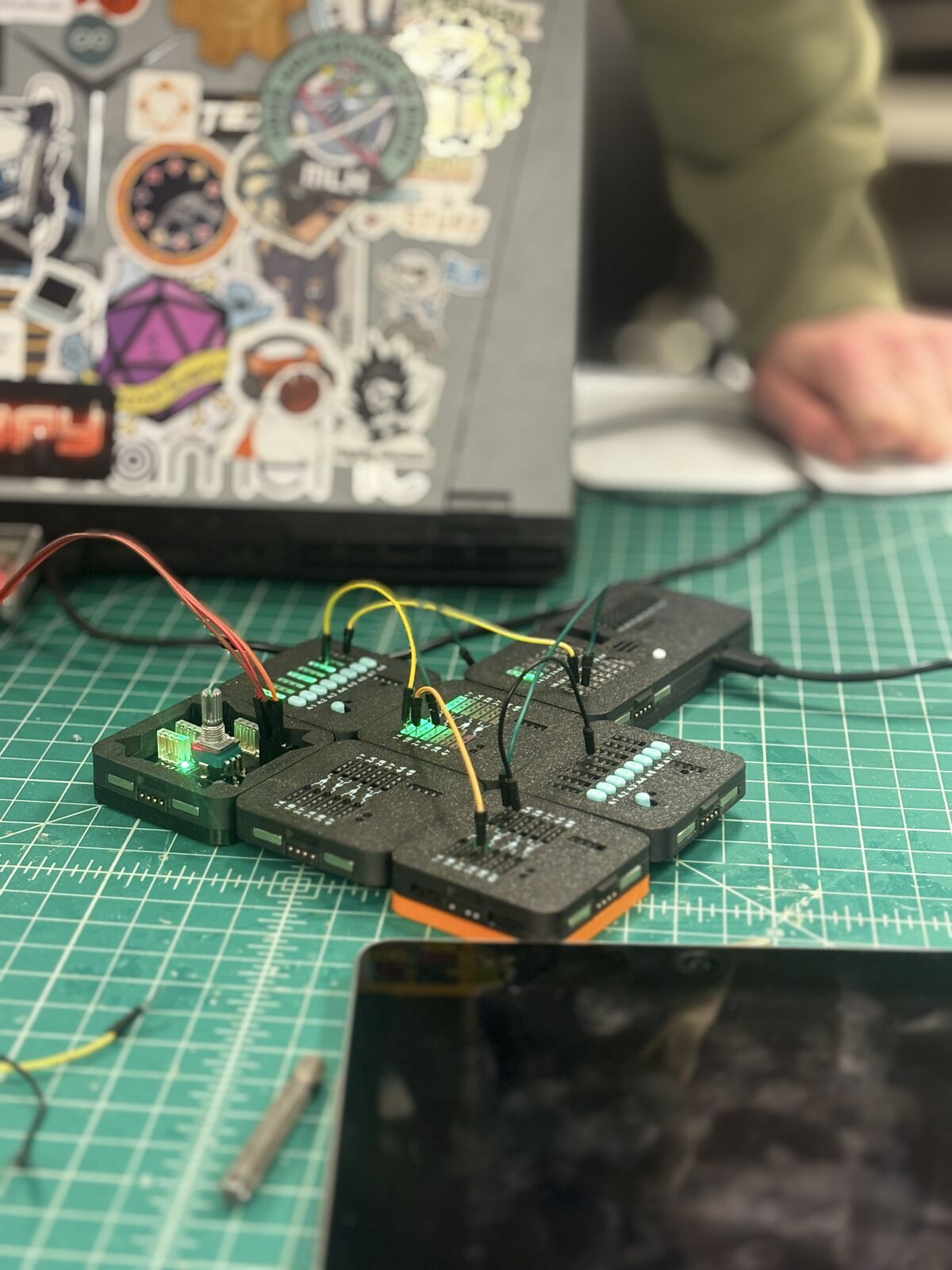
Connect pins with jumper wires. The circuit runs as soon as it's wired, and the LEDs show you what every gate is doing.
Press the button on the Scanner and it learns your circuit. It holds up to four designs, and a scanned design can sit inside a bigger build like any other block. Gates become adders, and adders become something bigger.
Plug the Scanner into a computer and open the free LogicLinks Companion right in your browser. Nothing to install. It draws a schematic of what you built, works out truth tables, lets you flip switches from the screen, and has a logic analyzer for watching signals change over time.
The Companion helps you understand what you built, but you can't build circuits in it. Every circuit starts with your hands on real blocks.
Connecting to blocks needs Chrome or Edge on a computer. Any browser can explore the built-in demo circuits.
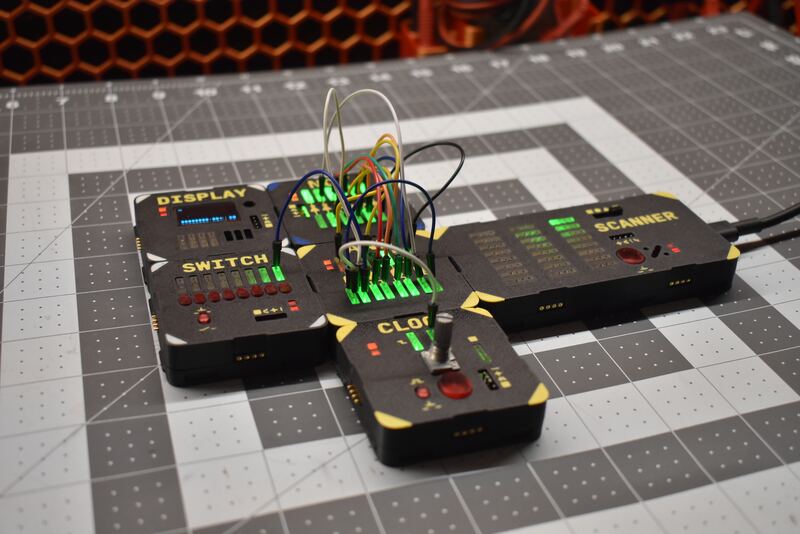
Anyone who's wondered how a computer actually works under all the layers.
No soldering, no breadboards, no code. If you can flip a switch and plug in a wire, you can build a circuit that thinks.
Hands-on logic labs that are hard to break and quick to reset. The Companion runs in a browser, so there's nothing for IT to install.
Go from gates to adders to counters. Scanning lets you package a design and reuse it, the same way real chips are built.
A satisfying desk toy for anyone who likes blinking lights and figuring out how things work.
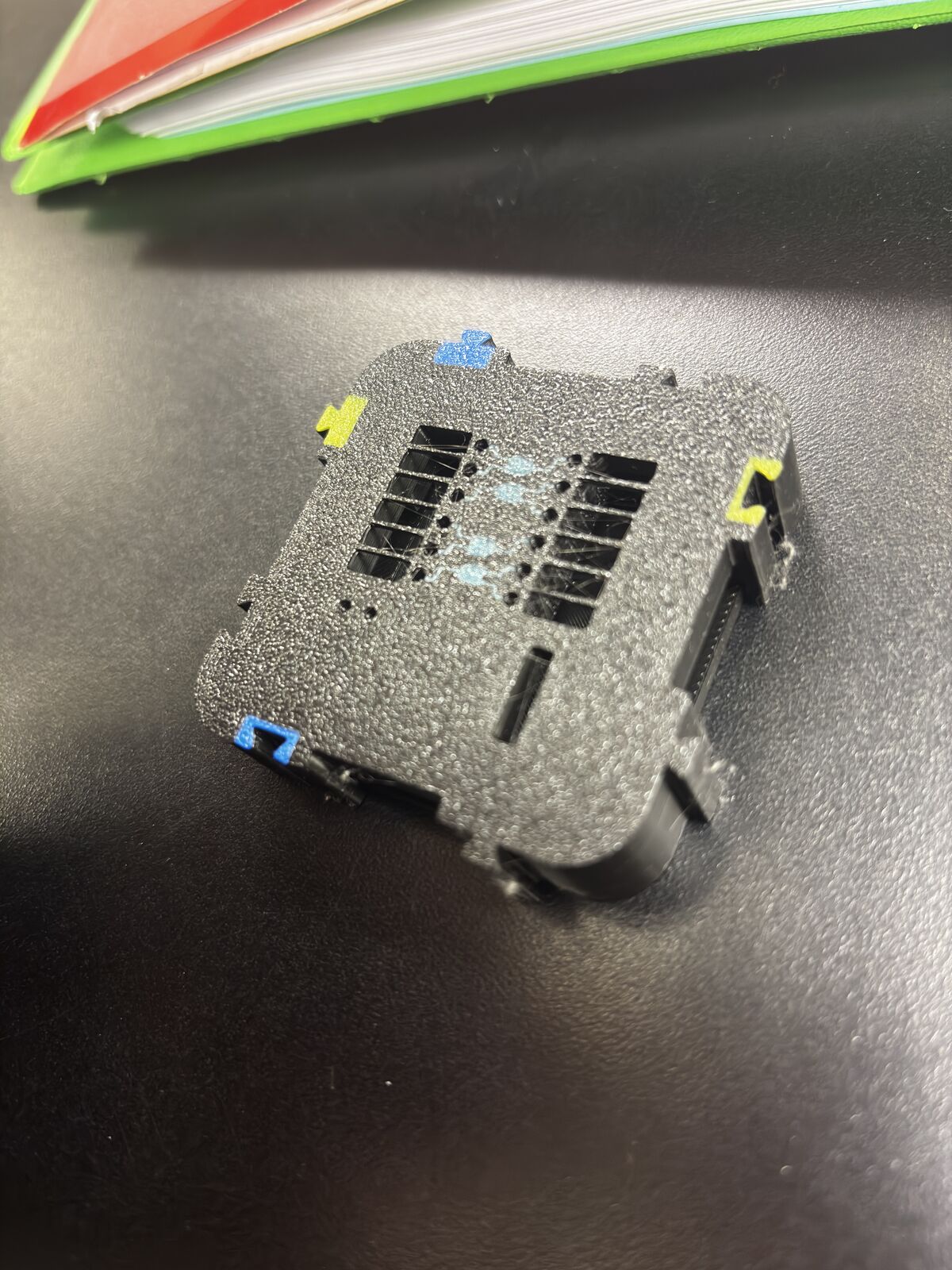
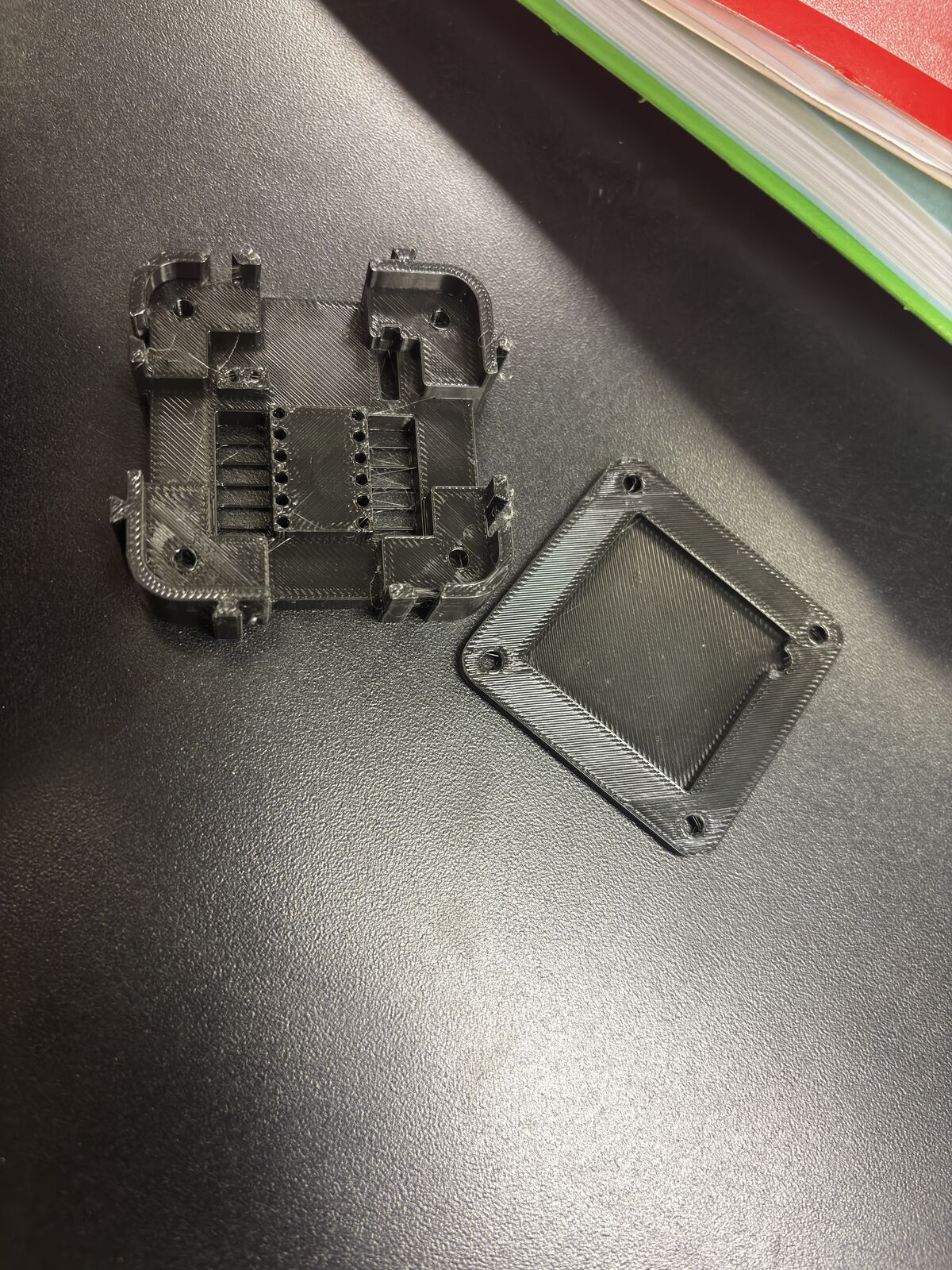
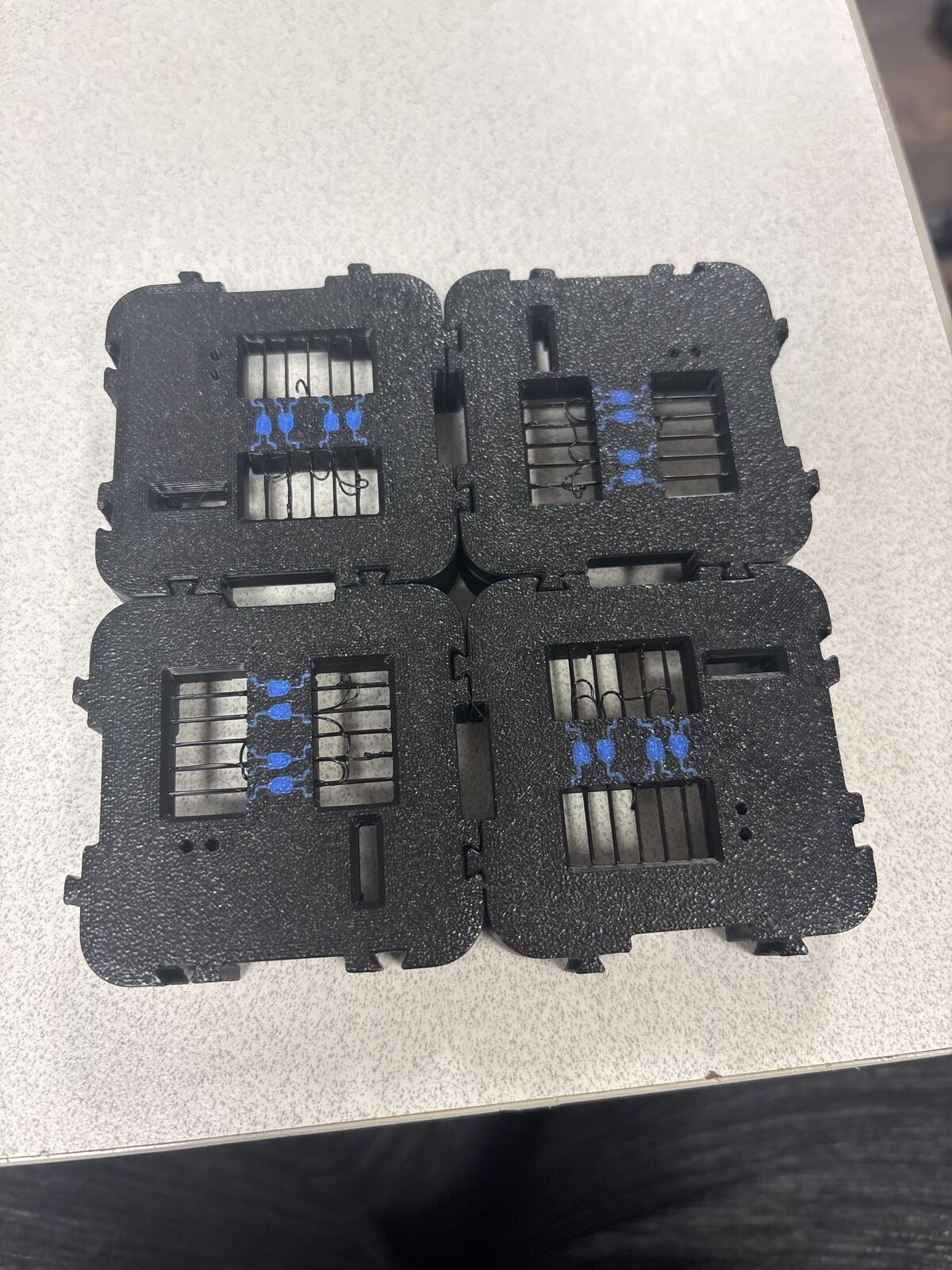
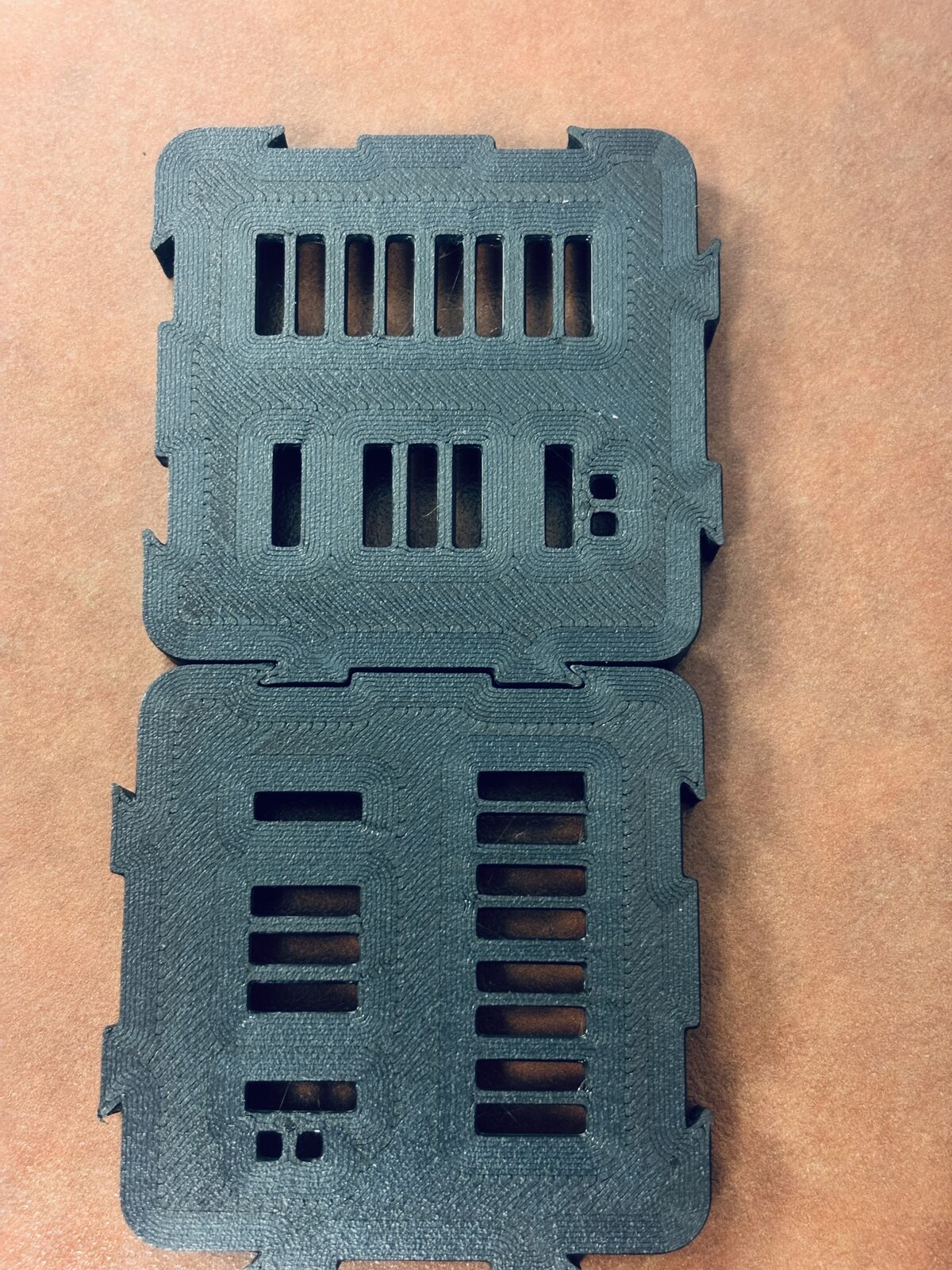
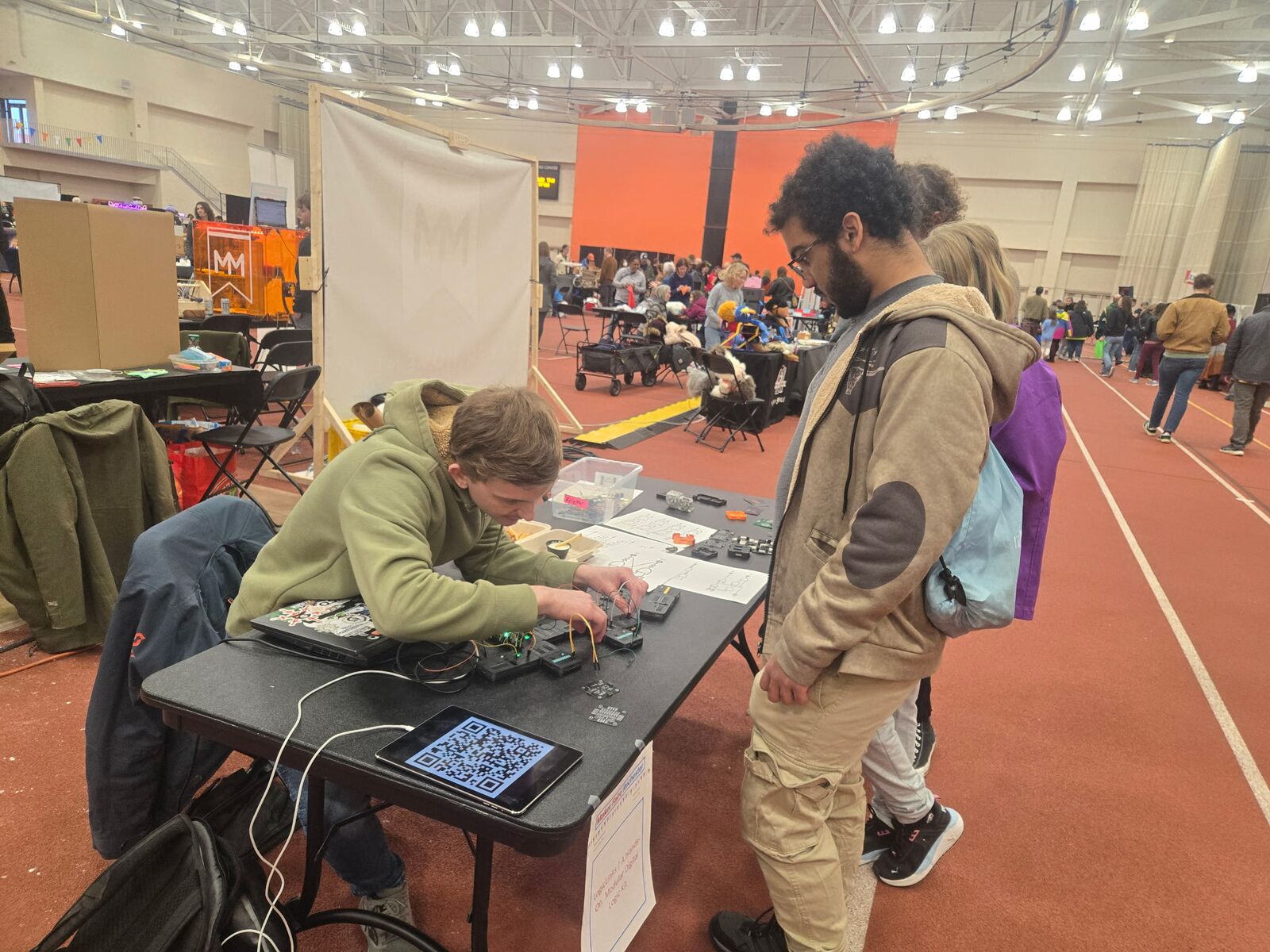
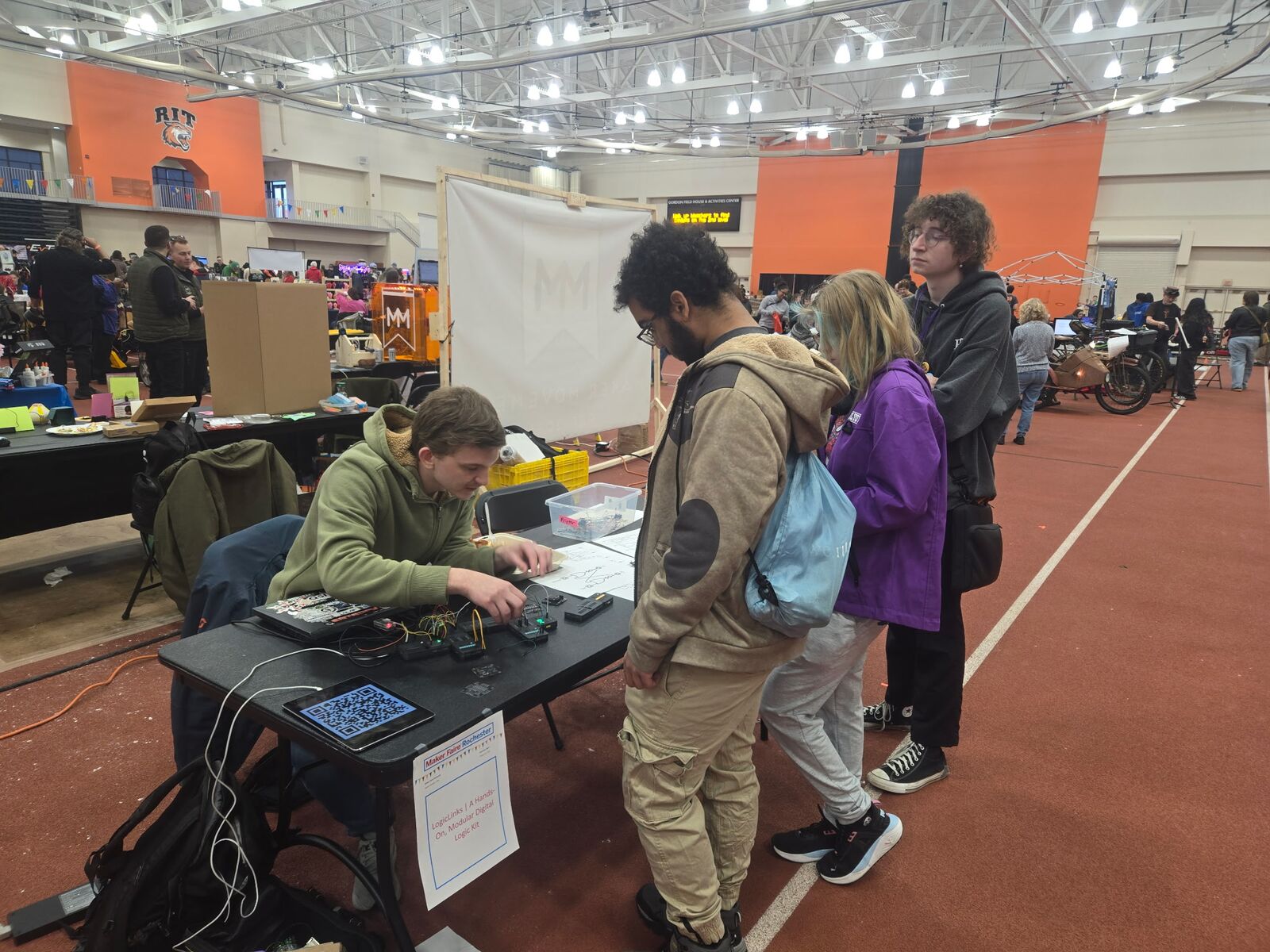
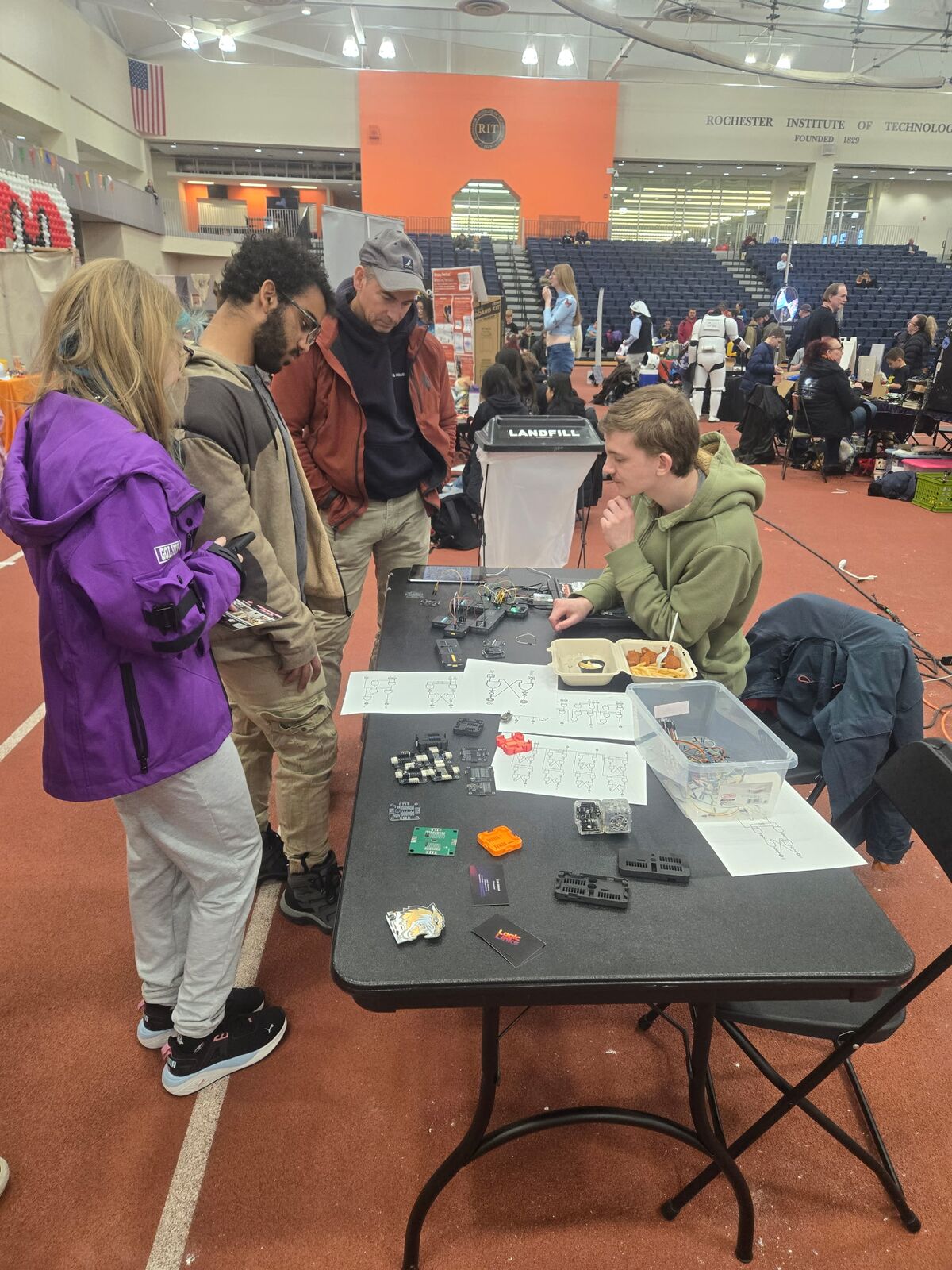
LogicLinks has been through a lot of prototypes. Here's some of the road so far.
Out at events and on the bench.
We're getting LogicLinks ready for a Kickstarter campaign. If you'd like a set of your own, want to see it in your classroom, or just have a question, we'd love to hear from you.